


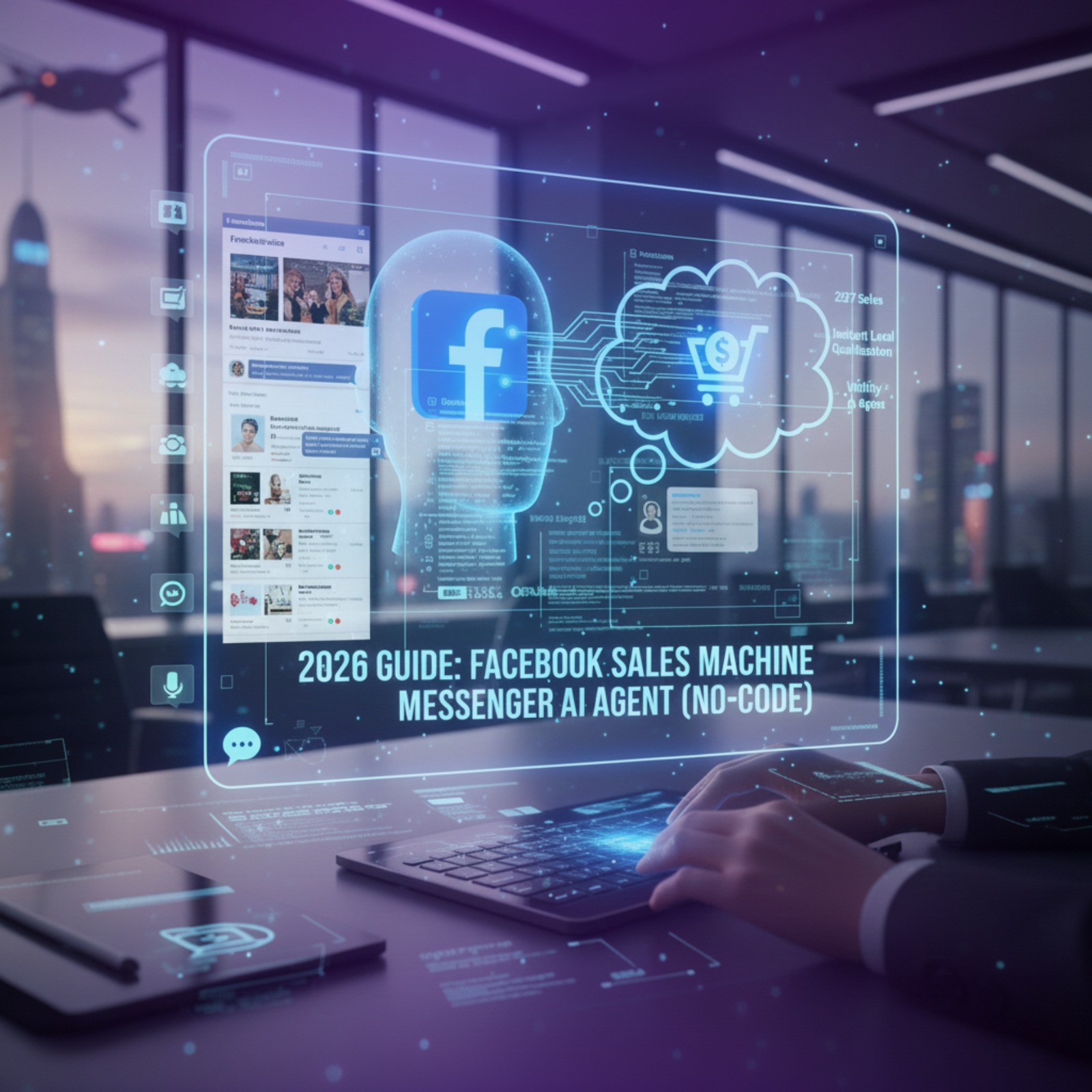
Turn your Facebook Inbox into a 24/7 sales engine. The complete 2026 guide to building a No-Code Messenger AI Agent with Wittify, featuring instant lead qualification and seamless human intervention protocols.
Have you ever calculated how many customers you lost simply because you replied 15 minutes too late?
On Facebook, speed is the only currency that matters. If a customer messages you asking about the price of a product or the details of a service, and they don't get an instant reply, they don't wait. They scroll down to your competitor. That is the harsh reality of doing business online today.
For years, the only solution was to hire an army of moderators to work shifts around the clock, or use a basic "chatbot" that forced customers to click through rigid menus like they were using an old ATM.
But today, the game has changed. We aren't talking about canned responses anymore. We are talking about building a Messenger AI Agent.
This is a smart assistant that understands natural language, speaks your local dialect, sells your products, and—most importantly—knows when to be quiet and let you take over.
In this guide, we will walk you through how to use Wittify.ai to build a powerful Messenger AI Agent, connect it to your page, and manage it like a pro, all without writing a single line of code.
Before we get into the "how-to," let’s clear up a common confusion.
A traditional Chatbot is built on a decision tree (If/Then logic). If the customer clicks Button A, send Reply B. If they ask a question that isn't on the menu, the bot breaks or loops back to the start. This frustrates customers and kills sales.
A Messenger AI Agent built on Wittify is different:
The real power here is the ability to combine the speed of automation with the empathy of a human in a single interface.
When you complete this integration, you aren't just turning on an auto-reply. You are establishing a full customer service command center. Here is what you get:
Before you click any buttons, make sure your digital assets are ready:
We designed the connection process to be straightforward. Follow these steps:
From your main dashboard in Wittify, navigate to the "Tools & Integrations" section. You will see a list of available channels. Look for the Messenger icon.
Click the "Connect" button. A popup window will appear asking you to log in to your personal Facebook account (the one that manages the business page). Don't worry, Wittify will never post anything to your personal profile.
You will see a list of all the pages you manage. Check the box for the page (or pages) where you want to activate your Messenger AI Agent.
Facebook will ask you to approve specific permissions, such as "Manage Pages" and "Send Messages." These are essential for the agent to read incoming DMs and reply on your behalf. Click "Allow" or "Done."
Once the connection shows as "Connected" in your dashboard, pick up your phone. Go to your Facebook page from a different account and send a test message like "Hello" or "What are your prices?" to ensure the agent is replying according to your instructions.
Now that your Messenger AI Agent is live, where do the messages go?
You don't need to open the chaotic "Meta Business Suite." All conversations from every channel (WhatsApp, Messenger, Website) flow into one place: The Wittify Inbox.
This unified view allows you to:
This is the most critical part of this guide. The biggest fear business owners have is: "What if the AI makes a mistake?" or "What if a customer is angry and needs a human?"
Wittify solves this with the Human Intervention feature.
This feature works on a per-conversation level. This means if you step in to help a customer named "Sarah," the AI continues working normally with "Mike" and "John." The system doesn't shut down completely; it only pauses in the specific room you entered.
To get the most out of this investment, don't just settle for basic replies. Here are three strategies to turn your agent into a top performer:
In your System Instructions, don't just tell the agent to be a "support bot." Tell it to be a "Sales Consultant." Teach it to suggest alternative products (Cross-selling) and encourage the customer to buy now rather than later.
Instead of sending your website link immediately, instruct the agent to ask for a phone number or email address first to "send the offer details." Wittify automatically stores this data, building you a powerful customer database for retargeting later.
AI learns, but it needs a teacher. Review your chat logs at the end of every week. Look at where the agent got stuck or gave a generic answer, and update your Knowledge Base with specific answers for those situations.
Can I connect more than one Facebook page to a single account? Yes. You can connect multiple pages and manage them all from the same Inbox. You can even assign different agents to different pages or use one agent for all of them.
Does the agent reply to Comments on posts? Currently, the primary focus of the Messenger AI Agent is Direct Messages (Inbox). This is where the actual selling and data collection happens. Comment replies usually require different strategies to avoid repetitive spam-like behavior.
Is using this tool safe for my page? Absolutely. Wittify uses the official, approved Meta APIs. This ensures you are operating strictly within Facebook's policies and protects your page from the bans often associated with unofficial "hacky" tools.
Does the agent understand slang or bad spelling? Yes. Wittify's models are heavily trained on Arabic dialects and informal typing styles, including common spelling mistakes. This makes the conversation feel smooth and natural, unlike the rigid bots of the past.
In 2026, a waiting customer is a lost customer.
Activating a Messenger AI Agent is no longer a "nice-to-have" tech feature; it is a commercial necessity for any business that wants to grow. You aren't just saving on hiring costs; you are ensuring your brand is awake, alert, and ready to sell 24 hours a day, 7 days a week.
The best part? You are still the captain. Thanks to the Human Intervention feature, you own the technology; the technology doesn't own you.
Are you ready to turn your page's inbox from a daily burden into a profit machine? Start connecting your page with Wittify today, and watch your customer satisfaction and conversion rates climb.
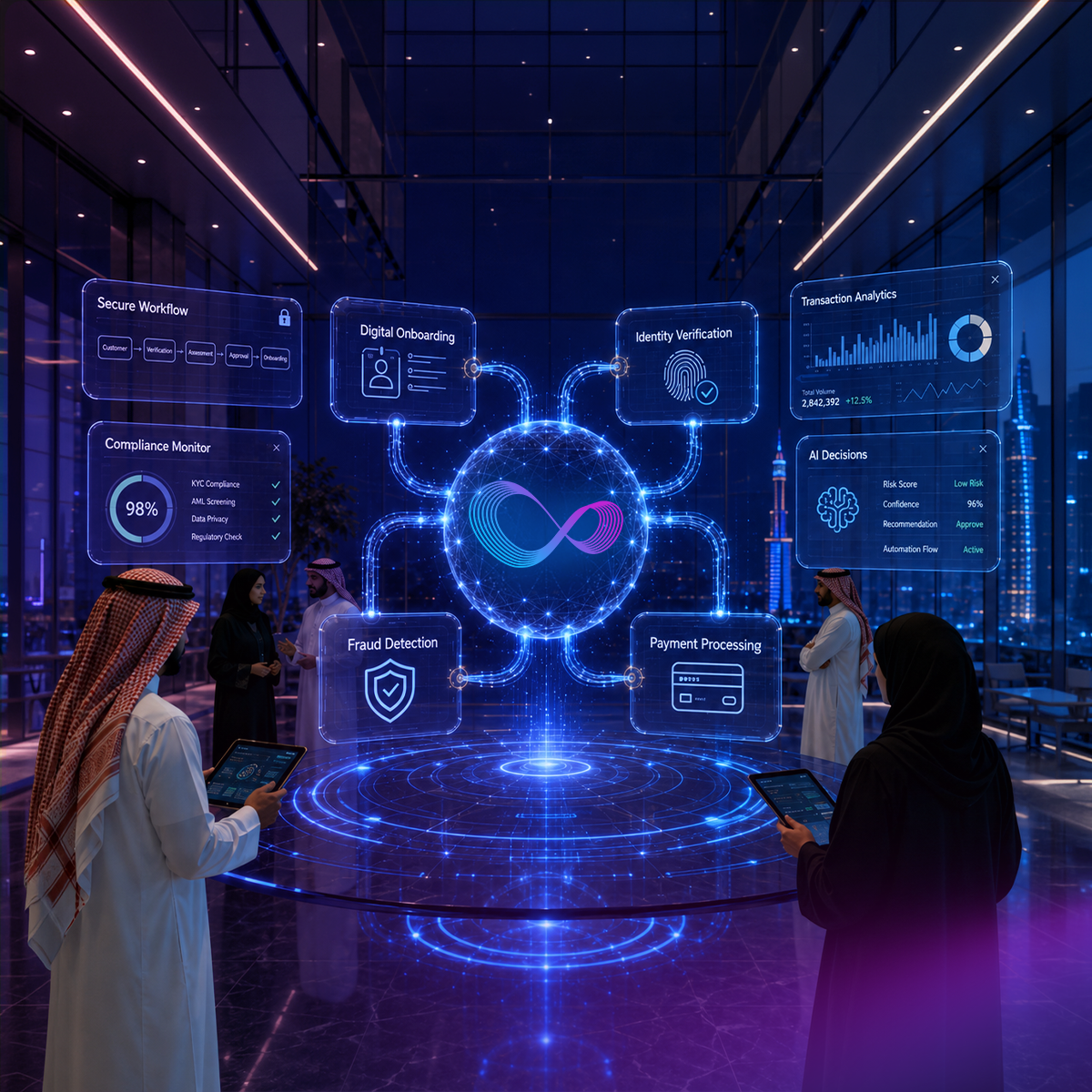
Discover how AI is transforming fintech customer experience in 2026 — from KYC and fraud alerts to Arabic-first support across MENA financial markets.

Most CX automation deployments stall before daily operational use. This guide covers 10 CX automation best practices, from escalation design to omnichannel continuity, with specific guidance for multilingual and Arabic-first contact centers.
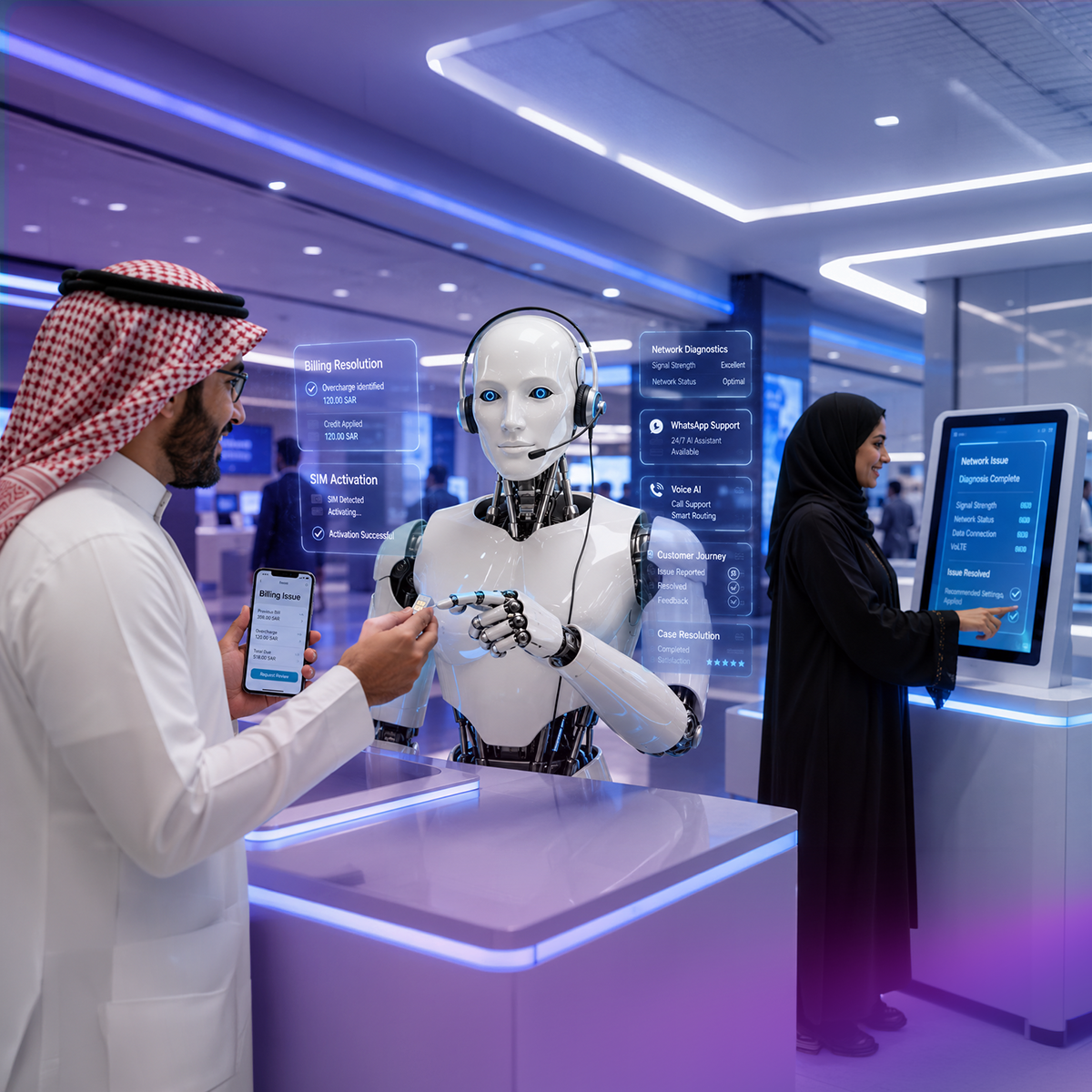
Explore how AI is transforming telecom customer experience. Compare top platforms including NICE CXone and Arabic-first alternatives built for MENA telecom operators.
Wittify.ai is a pioneering AI company specializing in the development of AI agents and applications aimed at automating and streamlining customer engagement activities and processes across various industries. Our mission is to empower businesses by enhancing their customer experience operational efficiency and enabling innovation through intelligent automation.

Information security management system
Business Continuity Management System
Quality Management System

Personal Data Protection Law Compliance
Personal Data Protection Law Compliance
General Data Protection Regulation Compliance


.png)


