


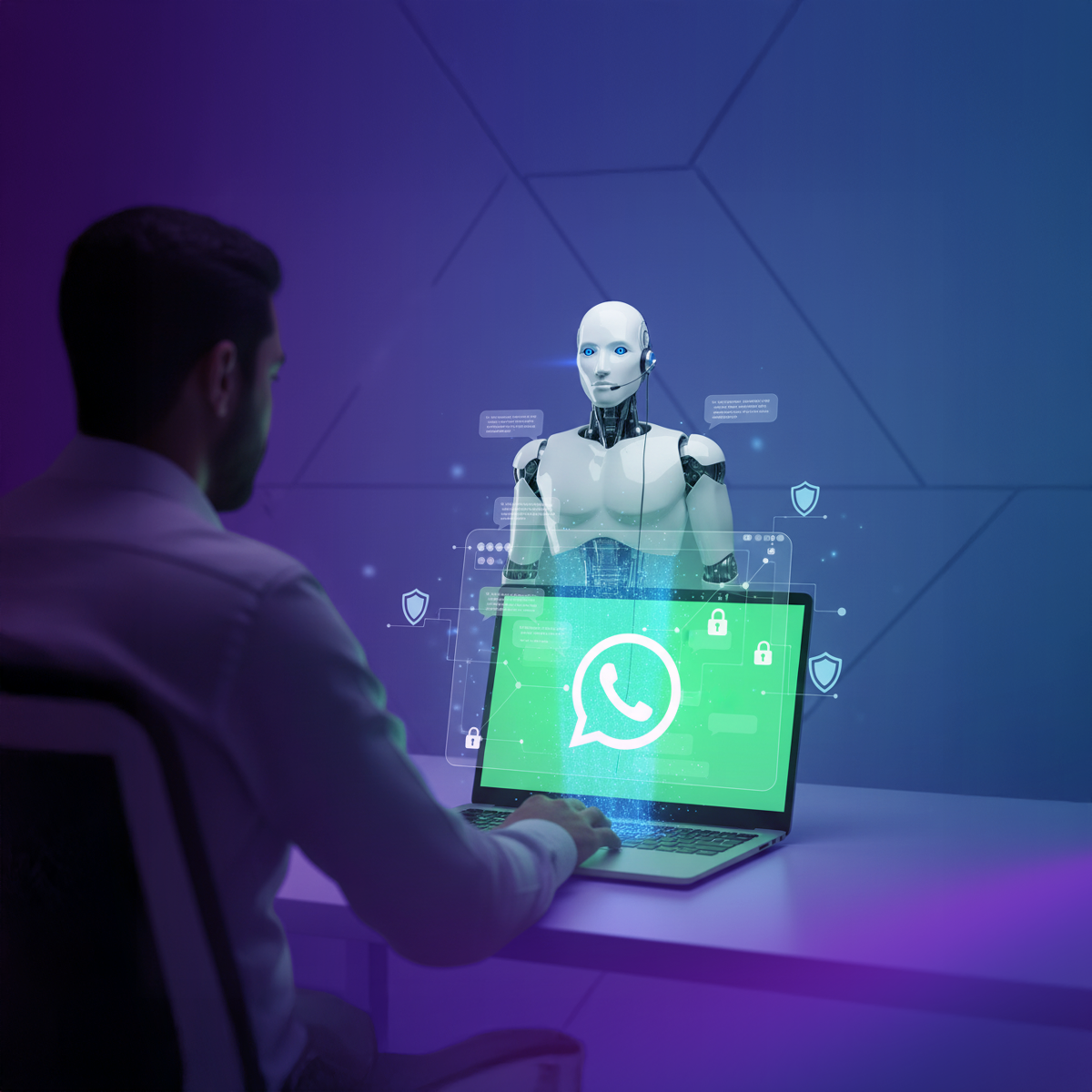
Learn how to build a secure No-Code WhatsApp AI Agent in 2026. Discover how Wittify combines local Arabic dialects with "Human Intervention" safety protocols to protect your brand.
Email is where you send contracts. WhatsApp is where business actually happens.
In 2026, the question isn't whether you should be on WhatsApp. The question is: How do you handle thousands of messages without burning out your support team?
Customers want answers now. They want to chat with you the same way they chat with their friends—fast, casual, and on their phones.
But handing your most personal channel over to an AI feels risky. What if it says something wrong? What if it gets confused? Nobody wants a chatbot that ruins their reputation in three seconds flat.
That is where Wittify.ai fits in. We didn't just build a tool to make bots. We built a platform that lets you create a No-Code AI Agent that actually sounds like your brand, speaks the local dialect, and—most importantly—has brakes.
Here is your practical guide to building a secure WhatsApp AI Agent.
Before we start clicking buttons, you need to know why this is different from the other tools out there. Wittify is built specifically for the Arabic market and enterprise standards.
Most AI tools translate English to Arabic literally. The result usually sounds weird or robotic. Wittify is engineered to speak over 25 Arabic dialects—from Najdi and Hijazi to Egyptian and Moroccan. It allows your agent to sound like a local team member, not a machine running Google Translate.
We prioritize safety. You are never locked out of a conversation. If things get complicated, you can step in. We call this Human Intervention, and it is the feature that lets you sleep at night.
Let’s get your account ready. It takes about two minutes.
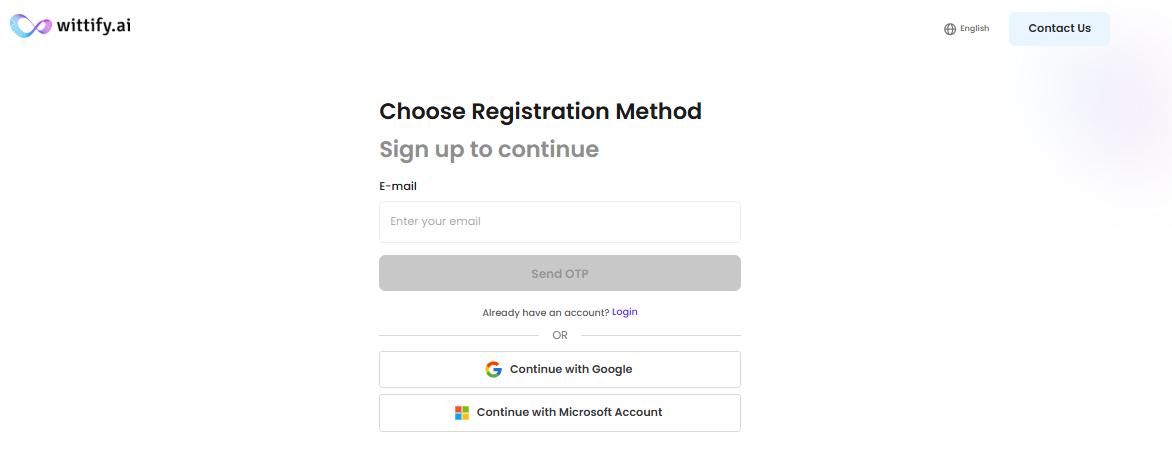
Head over to Wittify.ai and hit Sign Up.
Go to System Settings. Upload your logo and set your timezone. This matters because if your AI is going to schedule appointments for you, it needs to know if you are in Riyadh, Cairo, or Dubai time.
Stuck? If you feel lost, there is a button on the dashboard to book a Free Onboarding Session. Our team will jump on a call and help you set it up.
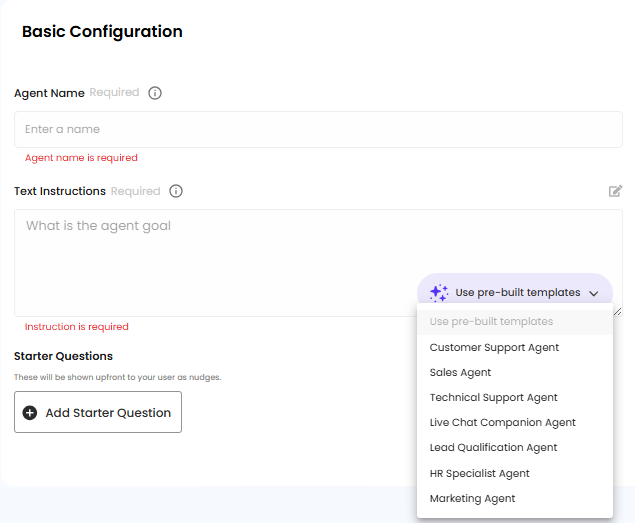
Now, let's give your agent its instructions.
Think of this as hiring a new employee. You need to tell them what to do. In the "System Instructions" box, be specific:
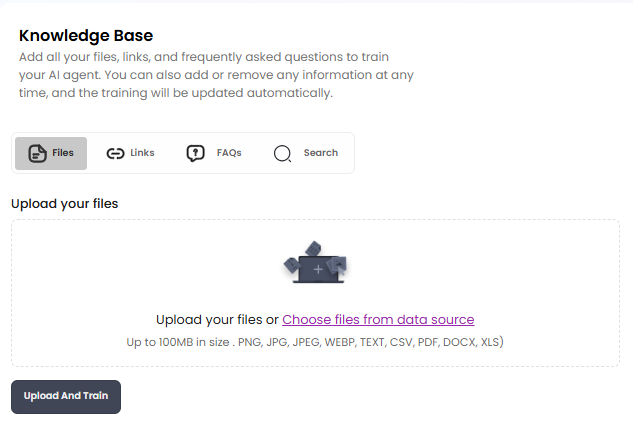
Your agent can't sell what it doesn't understand. You need to feed it information:
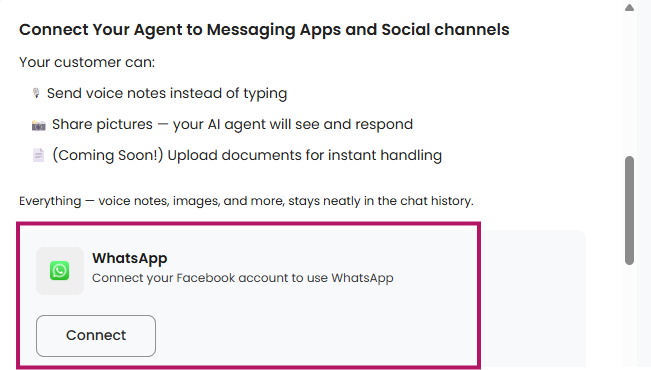
It is time to go live. Wittify connects using the official WhatsApp Business API.
Why does this matter? Many cheap tools use unofficial "hacks" to connect to WhatsApp. Those tools get your number banned. We use the official route to keep your business safe.
Note: Make sure your phone number is verified with Meta first. Also, once you connect a number, don't delete it from the dashboard unless you really have to. Deleting it breaks the link to your chat history.
This is the feature that builds trust. No AI is perfect. Sometimes a high-value client asks a complicated question, or someone is upset and needs a human touch.
Wittify uses a Hybrid Model. You are like a driving instructor sitting next to a student driver.
If you work in the Middle East, you know that Modern Standard Arabic (MSA) can sound a bit stiff—like a news anchor. To build rapport, you need to speak the customer's language.
Wittify supports:
Your agent can even handle Code-Switching—that means if a customer speaks a mix of Arabic and English (very common in Dubai or Beirut), the agent will understand and reply in the same style.
Do I need a credit card to try this?
No. You can start with our Free Plan to look around and test the features. You only need a card if you decide to upgrade to a paid plan for higher limits.
What happens if my internet cuts out?
The AI lives in the cloud, not on your laptop. It will keep answering customers 24/7 even if your computer is off or your internet is down. You only need the internet to access the dashboard or take over a chat manually.
Can I cancel anytime?
Yes. You are not locked into a contract. You can cancel from your dashboard settings whenever you want.
Does it really understand Arabic dialects?
Yes. This is our main focus. We train our models on regional data, not just standard textbooks. It understands slang, local terms, and cultural nuances.
Can it handle voice notes?
Yes. If a customer sends a voice note on WhatsApp, the agent listens to it, transcribes it, understands what they want, and replies.
Is my data safe?
Yes. We follow strict privacy policies. Plus, you can set "Boundaries" in your instructions to ensure the AI never gives out sensitive advice (like medical or financial tips) unless you explicitly tell it to.
Building a chatbot is easy. Building a Digital Team Member that respects your brand voice and protects your reputation takes the right tools.
With Wittify, you get the speed of AI, the nuance of local dialects, and the safety of human control.
Create your Free Account on Wittify.ai Today and start building confidently.
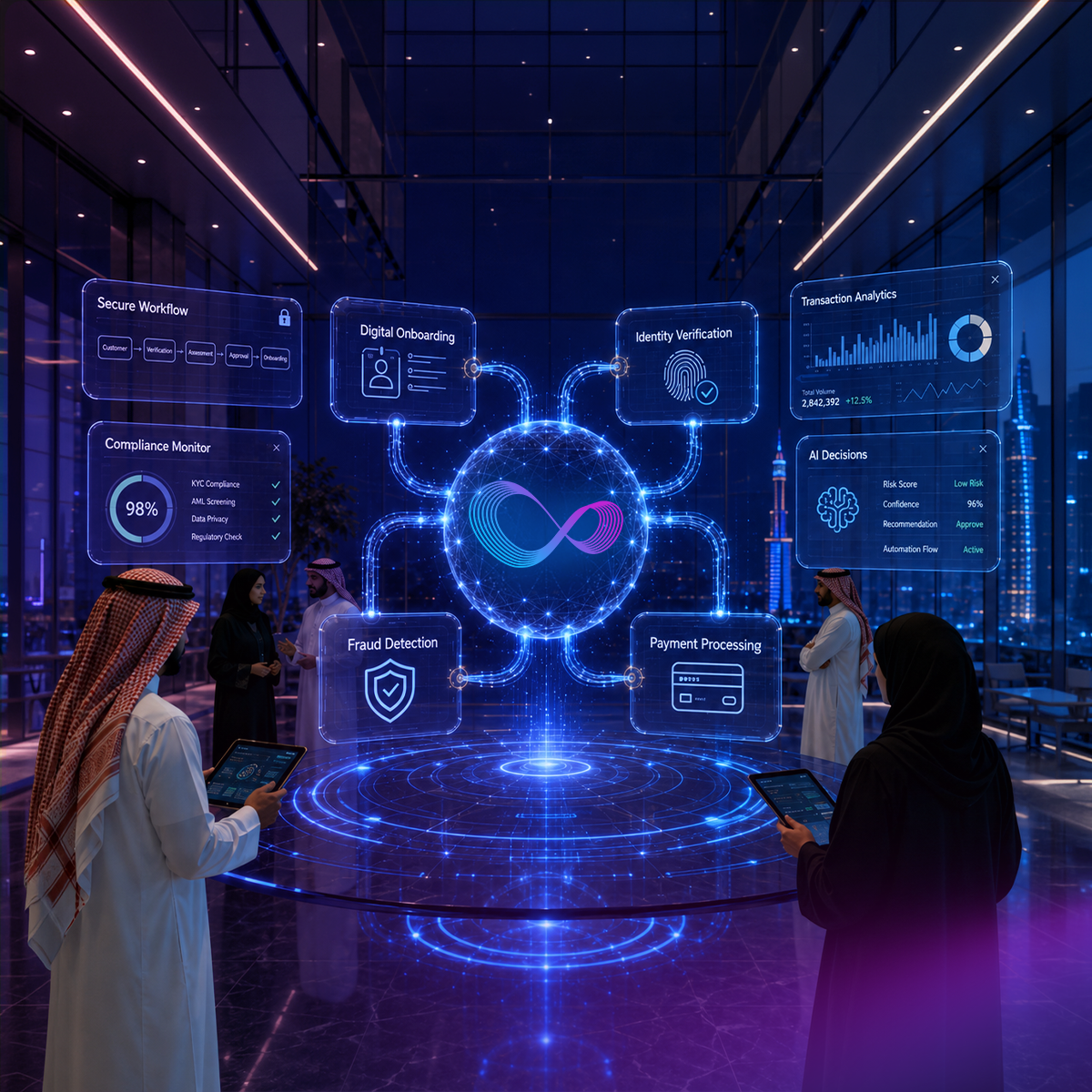
Discover how AI is transforming fintech customer experience in 2026 — from KYC and fraud alerts to Arabic-first support across MENA financial markets.
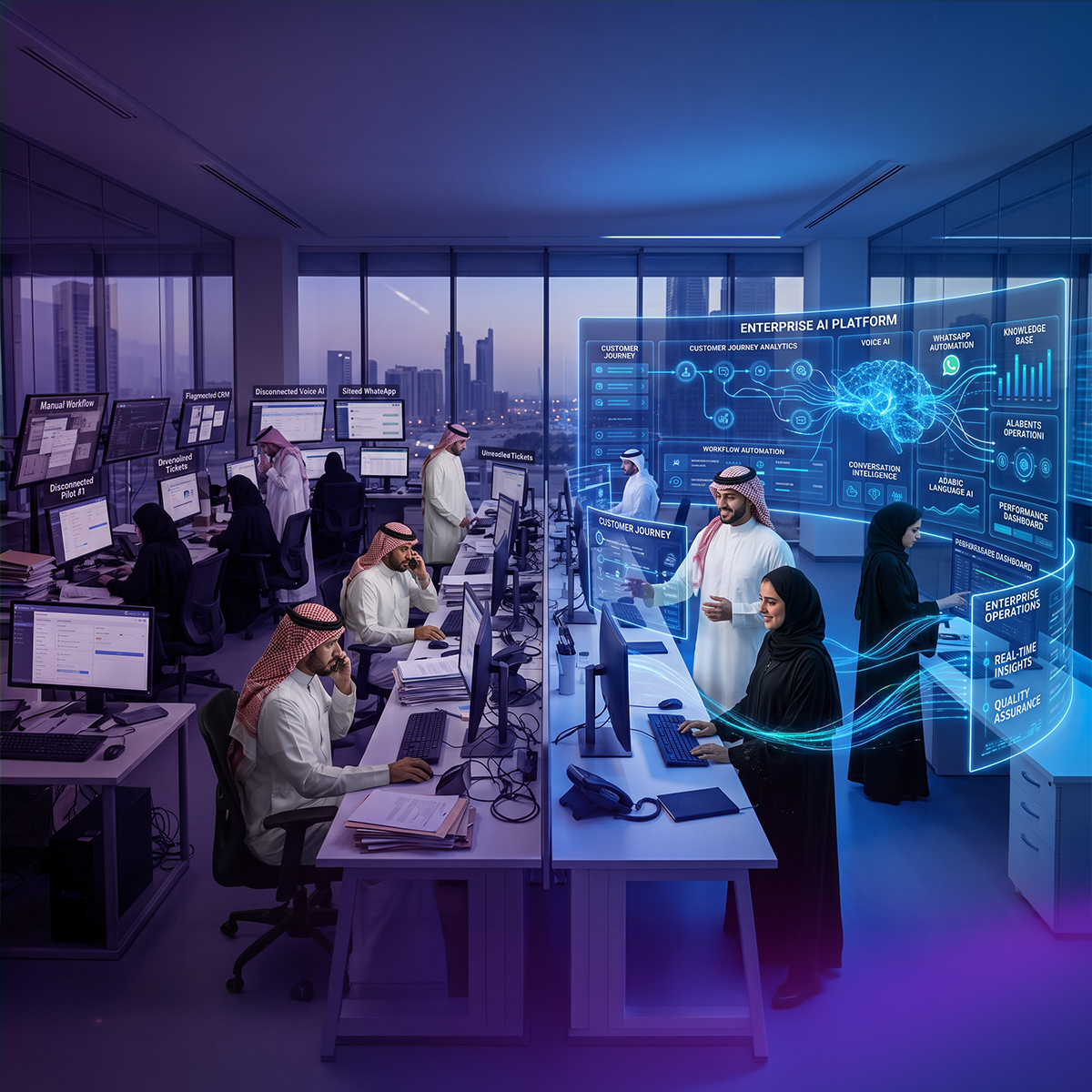
Most CX automation deployments stall before daily operational use. This guide covers 10 CX automation best practices, from escalation design to omnichannel continuity, with specific guidance for multilingual and Arabic-first contact centers.
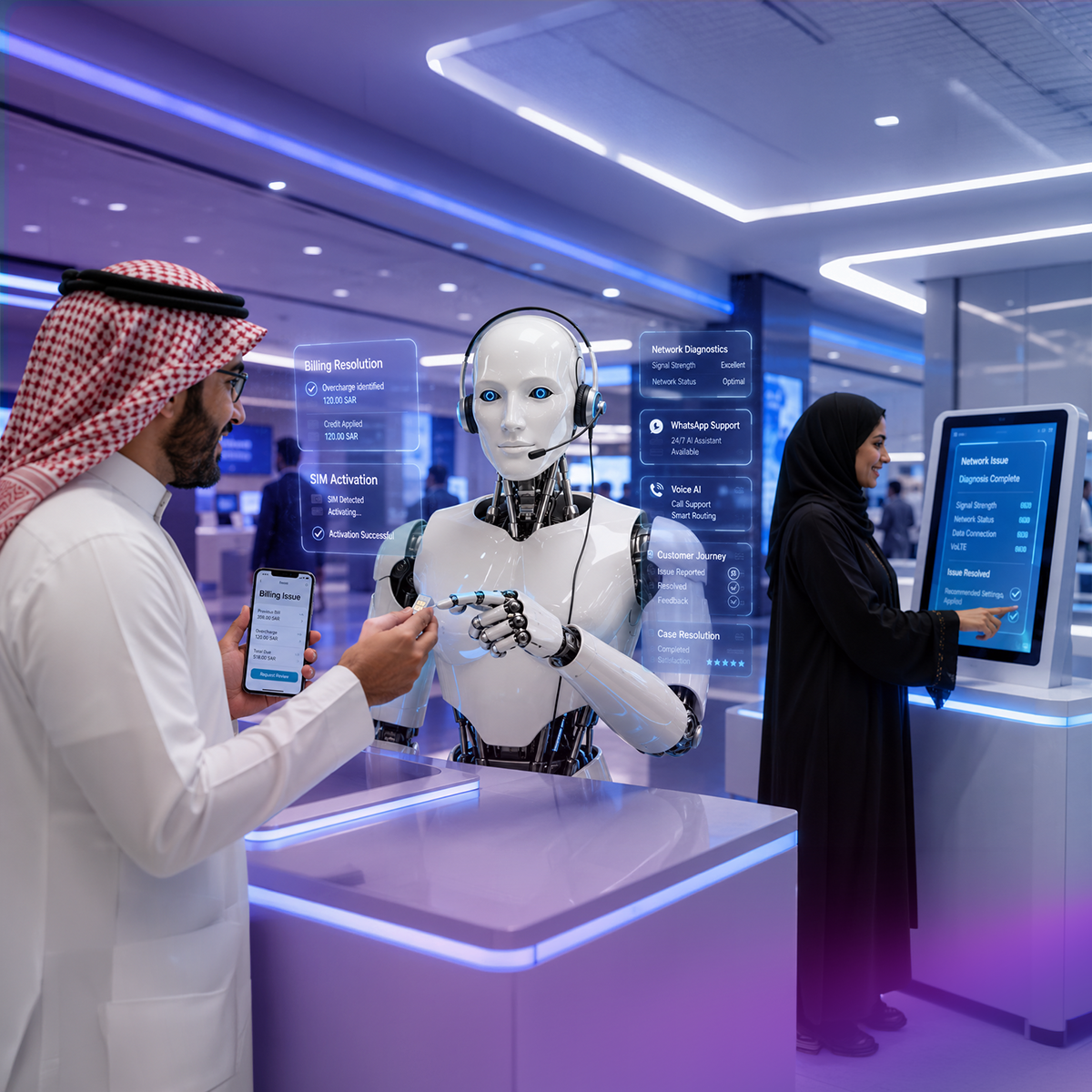
Explore how AI is transforming telecom customer experience. Compare top platforms including NICE CXone and Arabic-first alternatives built for MENA telecom operators.
Wittify.ai is a pioneering AI company specializing in the development of AI agents and applications aimed at automating and streamlining customer engagement activities and processes across various industries. Our mission is to empower businesses by enhancing their customer experience operational efficiency and enabling innovation through intelligent automation.

Information security management system
Business Continuity Management System
Quality Management System

Personal Data Protection Law Compliance
Personal Data Protection Law Compliance
General Data Protection Regulation Compliance


.png)


