



Zero code? No problem. This step-by-step guide walks beginners through creating their own powerful, autonomous AI agent to automate tasks. Start your no-code AI journey and transform your workflow instantly!
The year is 2026. You’ve heard the buzzwords: "Digital Workforce," "Autonomous Agents," "Hyper-automation." You know that your competitors are already using AI to answer customer calls at 3 AM and qualify leads while their sales team sleeps.
But you? You are still stuck at "Zero."
Maybe you think you need a team of Python developers. Maybe you think you need to clean terabytes of data. Or maybe you’re just paralyzed by the sheer number of tools on the market.
Here is the good news: The barrier to entry has collapsed. Building a powerful, intelligent, and autonomous employee no longer requires code; it requires context. If you know your business, you can build an agent.
In this guide, we will walk you through the journey From Zero to Your First No Code AI Agent. We will strip away the jargon and show you exactly how to transform your static PDF documents into a living, breathing digital assistant using a No Code AI Agent platform like Wittify.
Before you even log into a platform, you need to treat this AI agent like a new hire. You wouldn’t hire a human and say, "Just sit there and be smart." You would give them a job title.
Many first-time builders fail because they try to build a "Generalist", a bot that does everything from tech support to sales to scheduling. These agents often end up confused and ineffective.
Action Item: Define a single, high-value goal for your first agent.
Pro Tip: Start small. A specialized agent that solves one problem perfectly is infinitely more valuable than a general agent that solves ten problems poorly.
Now that you have the role, you need the tool. This is where the No Code AI Agent landscape gets tricky.
If you search online, you’ll find dozens of "builders." Many are simply wrappers around ChatGPT; great for writing poems, terrible for following business logic. Others are complex "low-code" tools that require you to understand JSON and API webhooks, defeating the purpose of "no-code."
For a business operating in the real world, especially in the MENA region, you need a builder that offers three things:
This is why Wittify is the preferred choice for this guide. It allows you to skip the technical setup and focus purely on the agent's behavior.
This is the magic moment. How do you get the information out of your head (or your hard drive) and into the No Code AI Agent?
In the old days, you had to manually write hundreds of "If/Then" rules. If customer says 'Price', then say '$50'. This was exhausting and brittle.
With modern No Code AI Agent builders like Wittify, we use a process called RAG (Retrieval-Augmented Generation), but we make it invisible to you.
How to do it on Wittify:
Suddenly, your agent "knows" everything in those documents. If a customer asks, "Do you offer refunds on Fridays?", the agent will check the PDF it just read, find the refund policy clause, and generate a natural answer.
Crucial Note: Your agent is only as smart as the documents you give it. If your PDF is outdated, your agent will be outdated. "Garbage in, garbage out."
Now your agent is smart, but is it likable? A generic No Code AI Agent sounds like a textbook. A great agent sounds like your brand.
This step is where you define the "System Prompt" or Persona.
Example Instruction: "You are Ahmed, a helpful assistant for a car rental agency in Riyadh. Speak in a polite 'White Saudi' dialect. Be concise. Use terms like 'Abshir' and 'Ya Hala'. Never discuss politics. If you don't know the answer, admit it and transfer to a human."
Fear of AI "hallucinations" (making things up) is real. You don't want your agent promising a free Ferrari.
A robust No Code AI Agent builder gives you "Guardrails." These are strict rules that override the AI's creativity.
On Wittify, these guardrails are checkbox configurations, ensuring your agent stays compliant without you needing to monitor every chat.
Before you give your agent to customers, you must try to break it. This phase is called "Red Teaming."
Action Item: Open the preview window in your No Code AI Agent builder and roleplay as a "difficult customer."
Wittify’s testing environment lets you see the "Reasoning Logs"; the hidden thoughts of the AI. You can see why it retrieved a specific answer. If it misunderstood "Return Policy," maybe you need to rephrase that section in your PDF.
You have built the brain, defined the personality, and tested the logic. Now, it needs a body.
Where do your customers live?
The "Soft Launch" Strategy: Don't route 100% of your traffic to the agent on Day 1. Start with a specific channel (e.g., Web Chat only) or a specific time (e.g., After-hours support). Monitor the logs, see how real humans interact with it, and tweak the instructions.
Congratulations. In the time it took to read this article and play with the dashboard, you went from "Zero" to having a functional, intelligent, No Code AI Agent.
You didn't hire a developer. You didn't write code. You simply leveraged your existing business knowledge and gave it a digital form.
The future of business belongs to those who can build these digital workforces fastest. The tools are ready. The dialects are ready. The only missing piece is you.
Ready to start your journey?
Don't let "Technical Fear" hold you back. Sign up for Wittify today, upload your first PDF, and watch your business knowledge come to life.
Your first agent is waiting to be built.
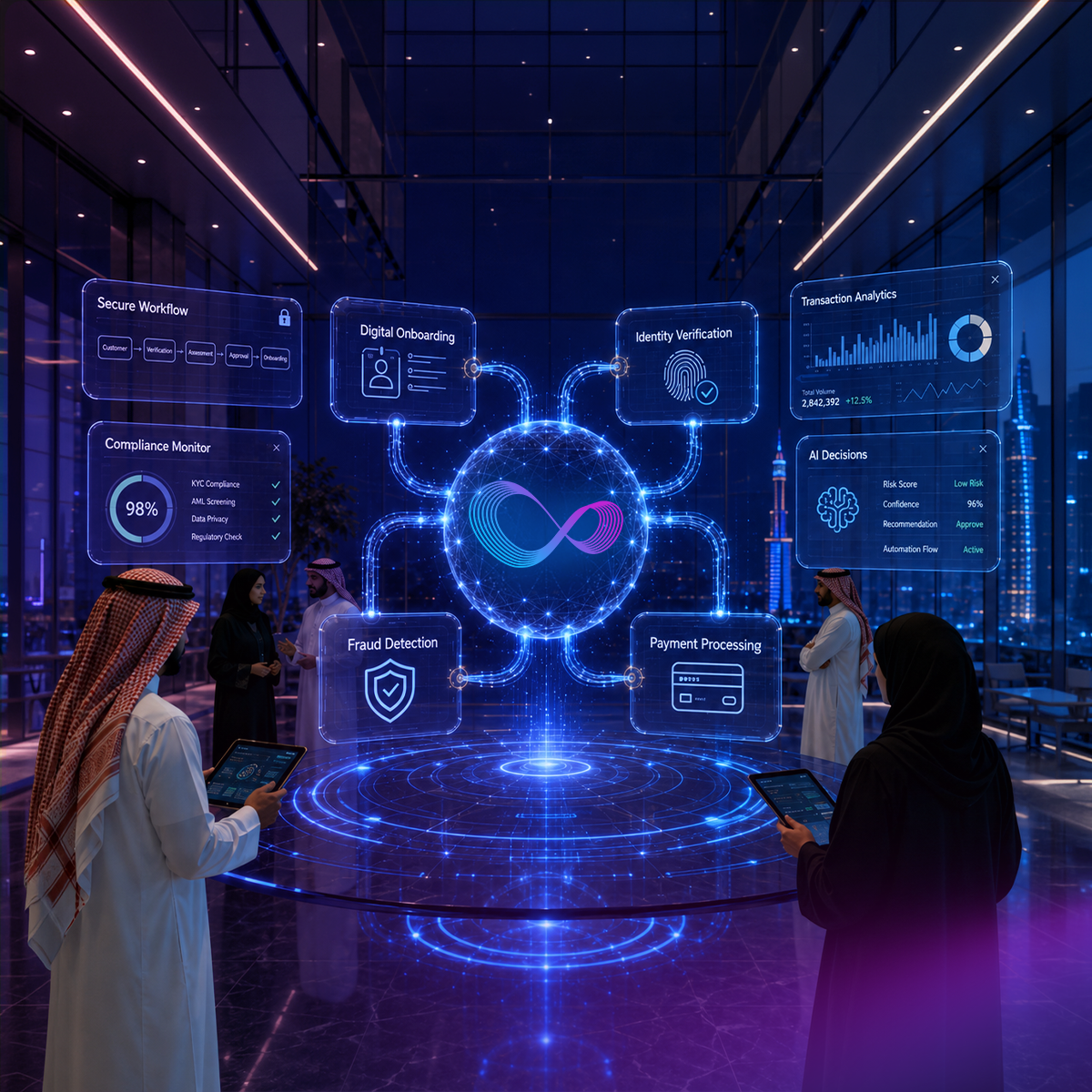
Discover how AI is transforming fintech customer experience in 2026 — from KYC and fraud alerts to Arabic-first support across MENA financial markets.

Most CX automation deployments stall before daily operational use. This guide covers 10 CX automation best practices, from escalation design to omnichannel continuity, with specific guidance for multilingual and Arabic-first contact centers.

Explore how AI is transforming telecom customer experience. Compare top platforms including NICE CXone and Arabic-first alternatives built for MENA telecom operators.
Wittify.ai is a pioneering AI company specializing in the development of AI agents and applications aimed at automating and streamlining customer engagement activities and processes across various industries. Our mission is to empower businesses by enhancing their customer experience operational efficiency and enabling innovation through intelligent automation.

Information security management system
Business Continuity Management System
Quality Management System

Personal Data Protection Law Compliance
Personal Data Protection Law Compliance
General Data Protection Regulation Compliance


.png)


